Every little feed.
Record feeding times and amounts, with space for the details you want to remember.
 baby log day
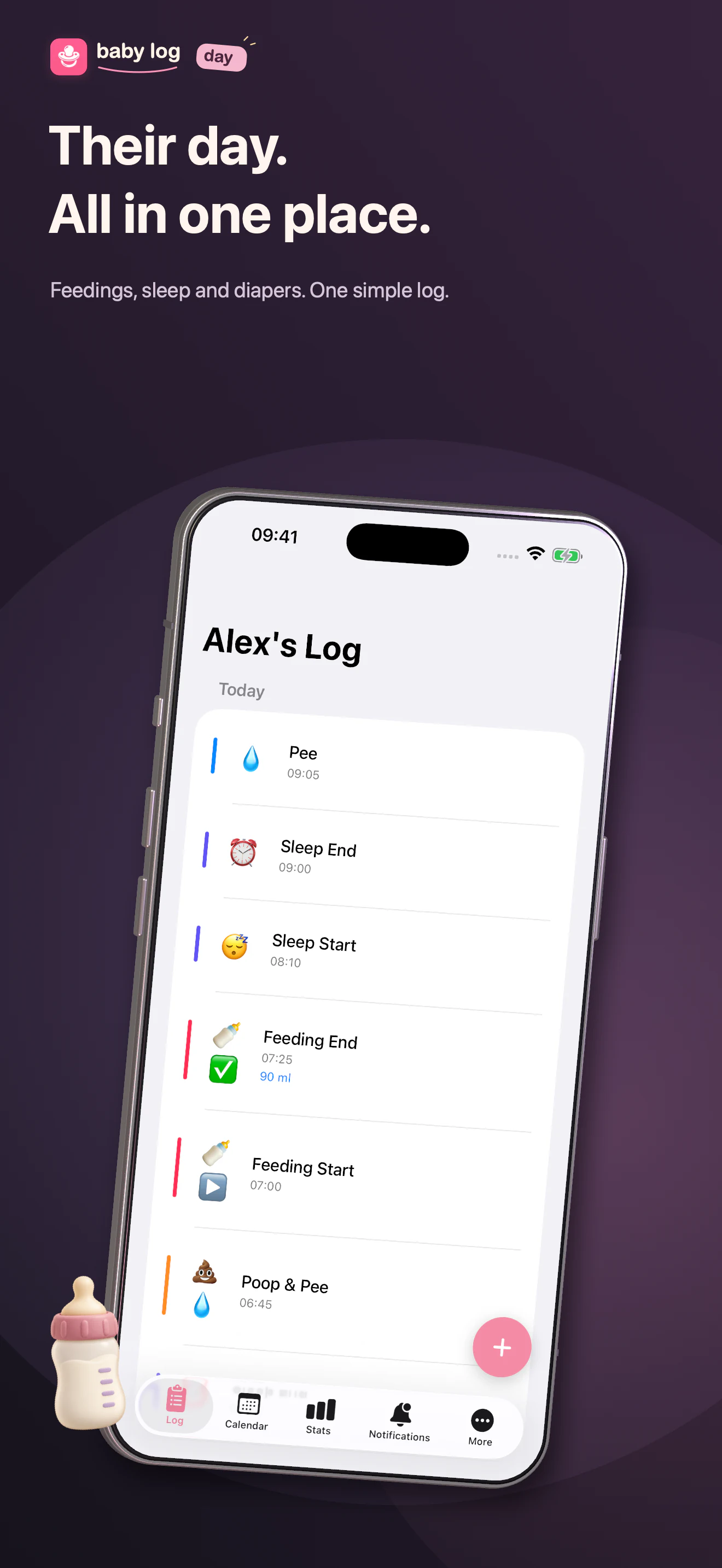
Feedings, sleep, diaper changes. Keep the moments together, so there’s a little less to remember.
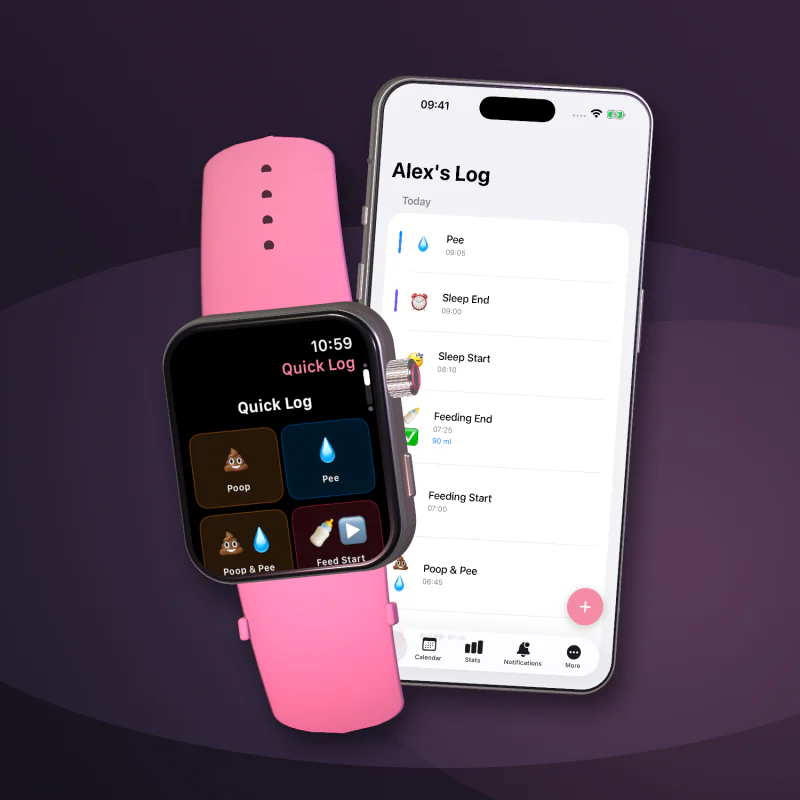
From the first feed to the last diaper change, keep a simple record that’s easy to return to.
Record feeding times and amounts, with space for the details you want to remember.
Keep a record of falling asleep and waking up, ready to look back on later.
Log diaper changes in the same place as the rest of your baby’s day.
Record a moment from your wrist, then find it alongside your other entries on iPhone.
Baby Log Day uses your paired iPhone and Apple Watch to exchange entries. Our support guide helps you check the connection and sync status.
How Watch sync works ↗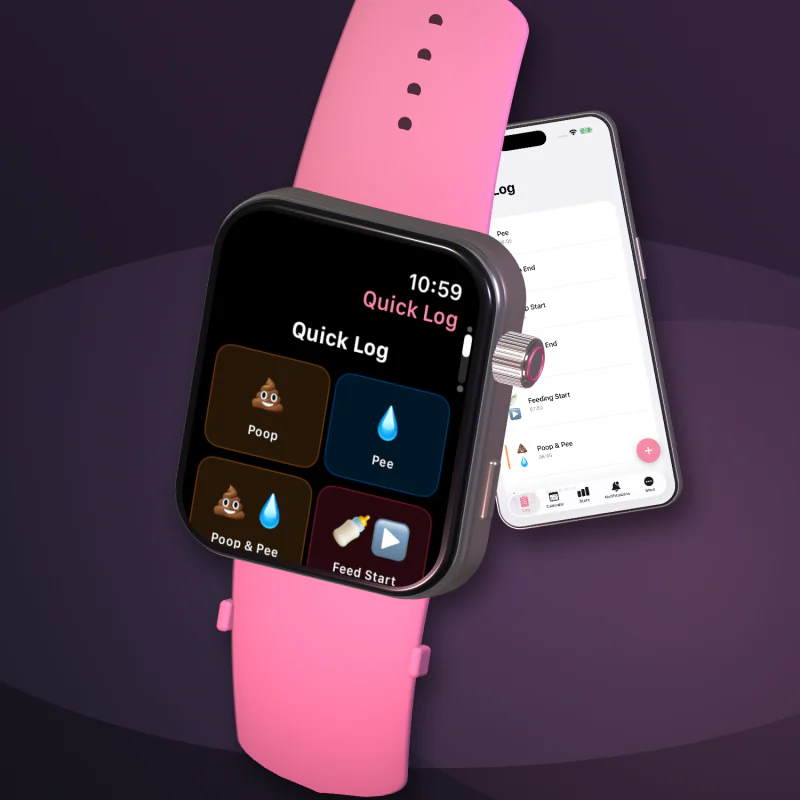
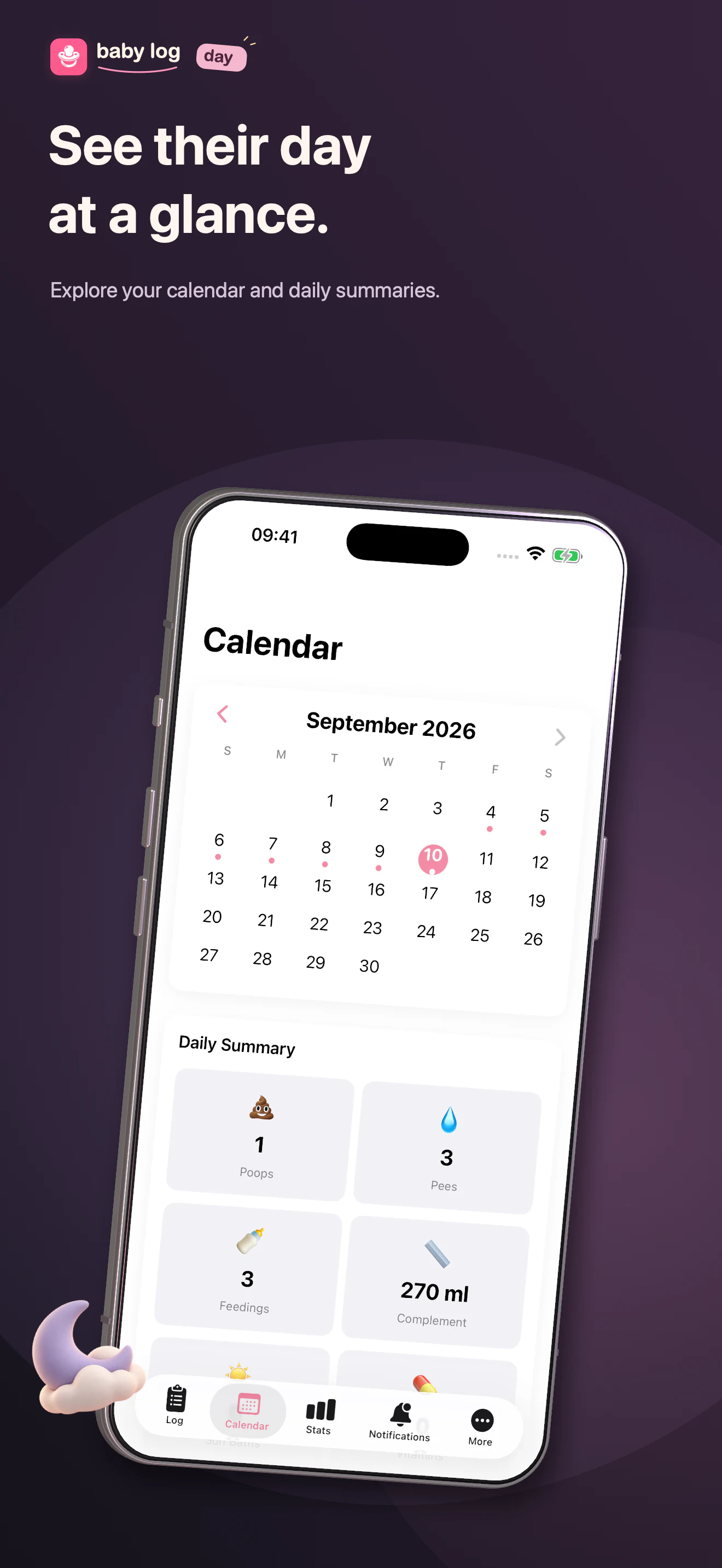
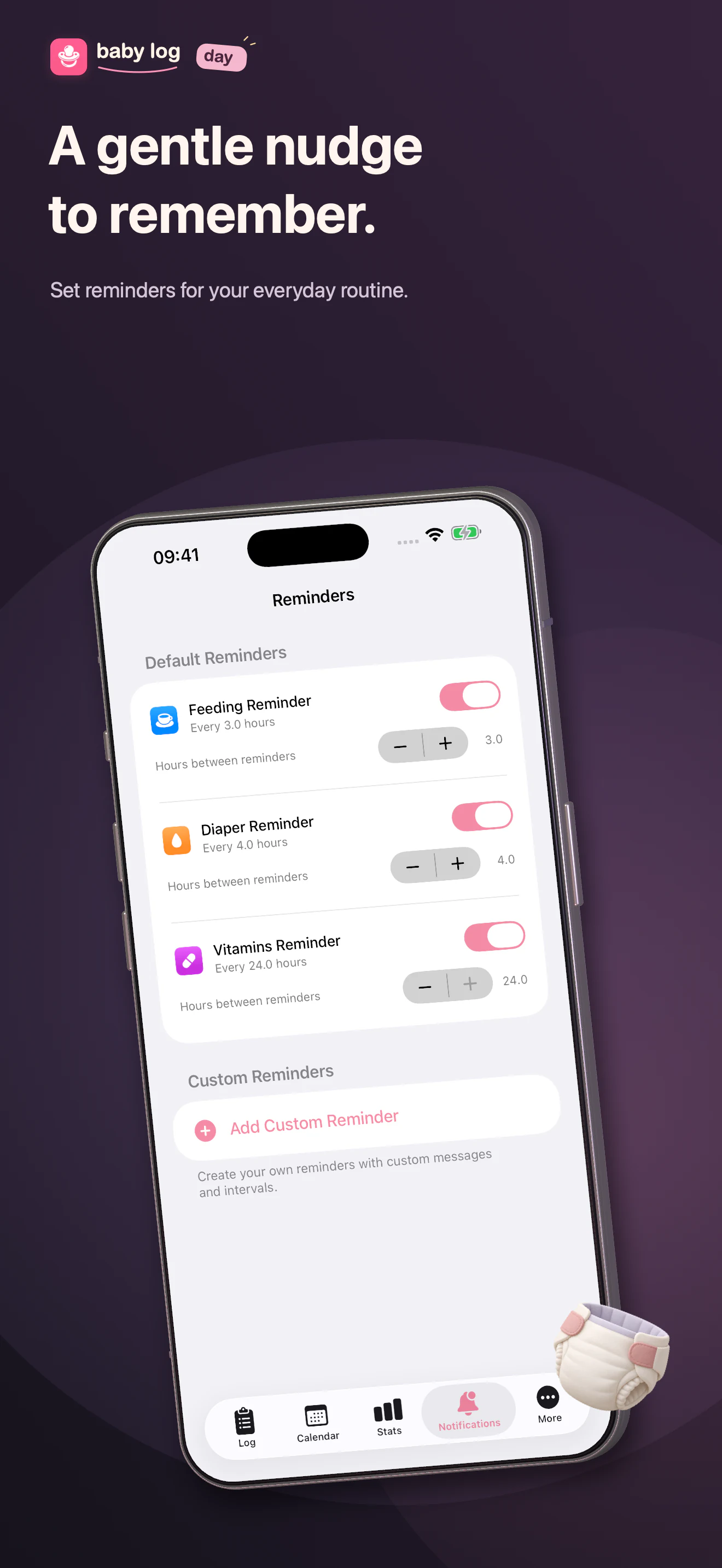
Find your entries, look back through the calendar, and set reminders when you need a nudge.
Yes. Export your history from Settings and save the backup somewhere you can find it again. See the backup and restore guide.
No. You can log and review activities on iPhone. The paired Watch app adds a convenient way to record moments from your wrist.
Read our privacy policy for details about activity records, paired-device sync, analytics and support.
Email idev@coersu.co. Include your app version and what you need help with.