Baby Log Day
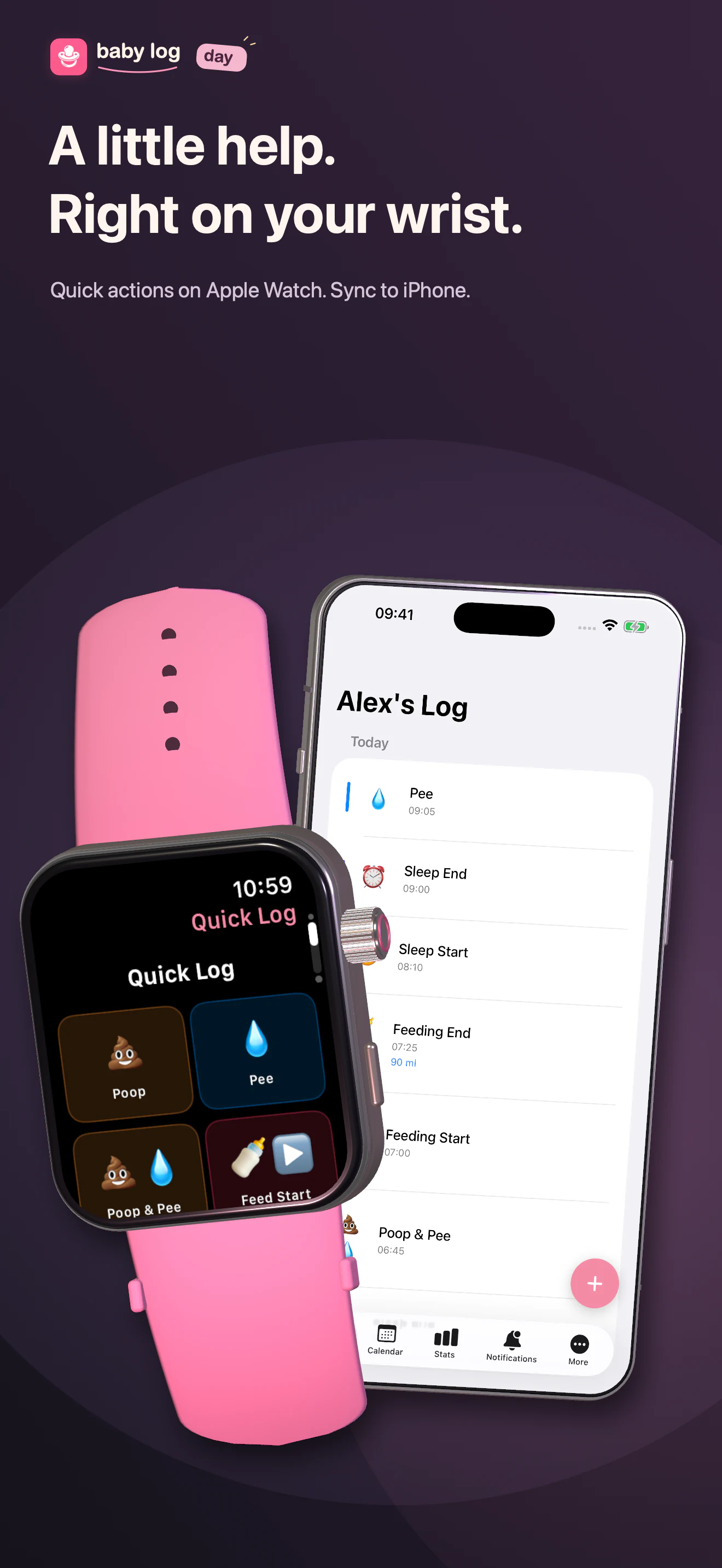
Feedings, sleep and diapers. A little help, right on your wrist.
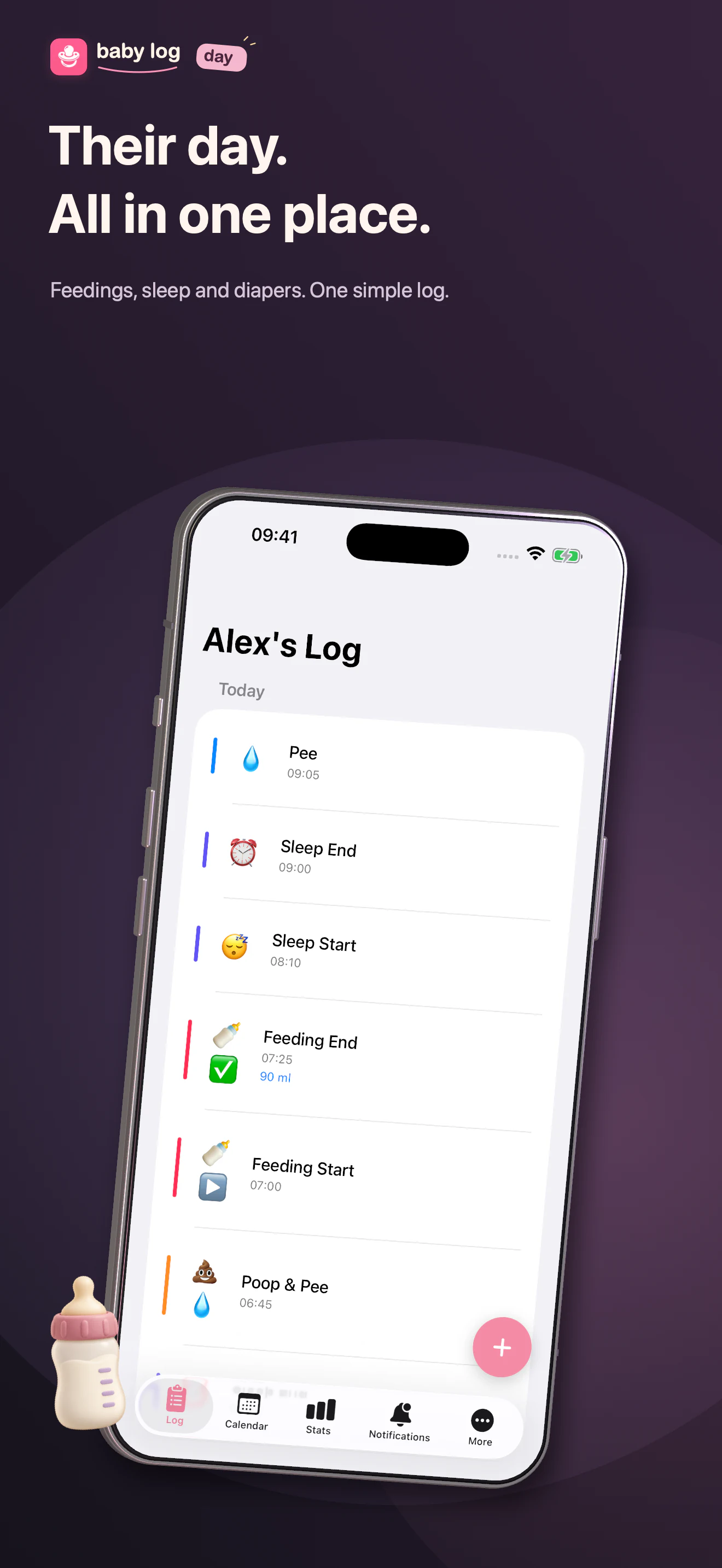
Their day. All in one place.
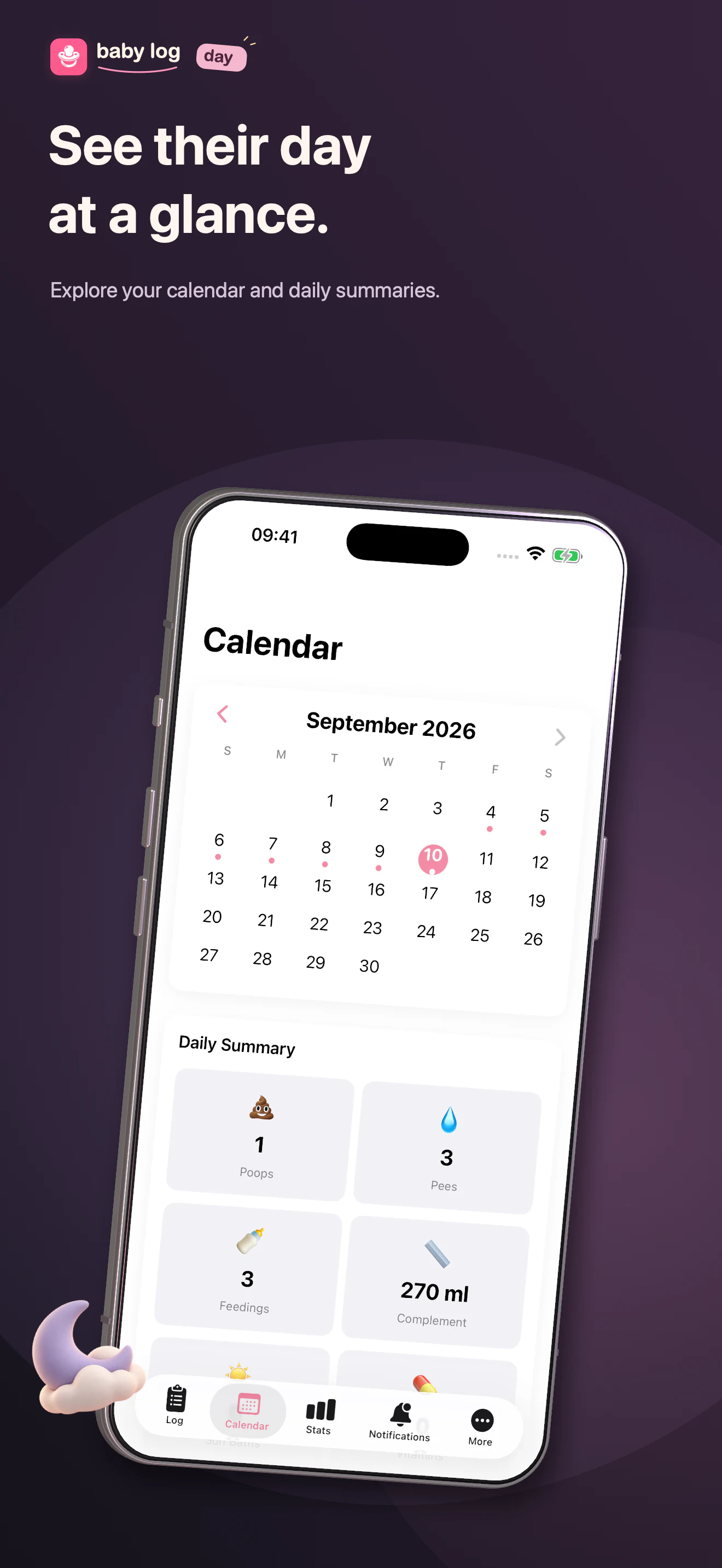
Track feedings, sleep and diapers. Log from Apple Watch, then see daily summaries on your iPhone.
Frequently asked questions
How do I add a new entry?
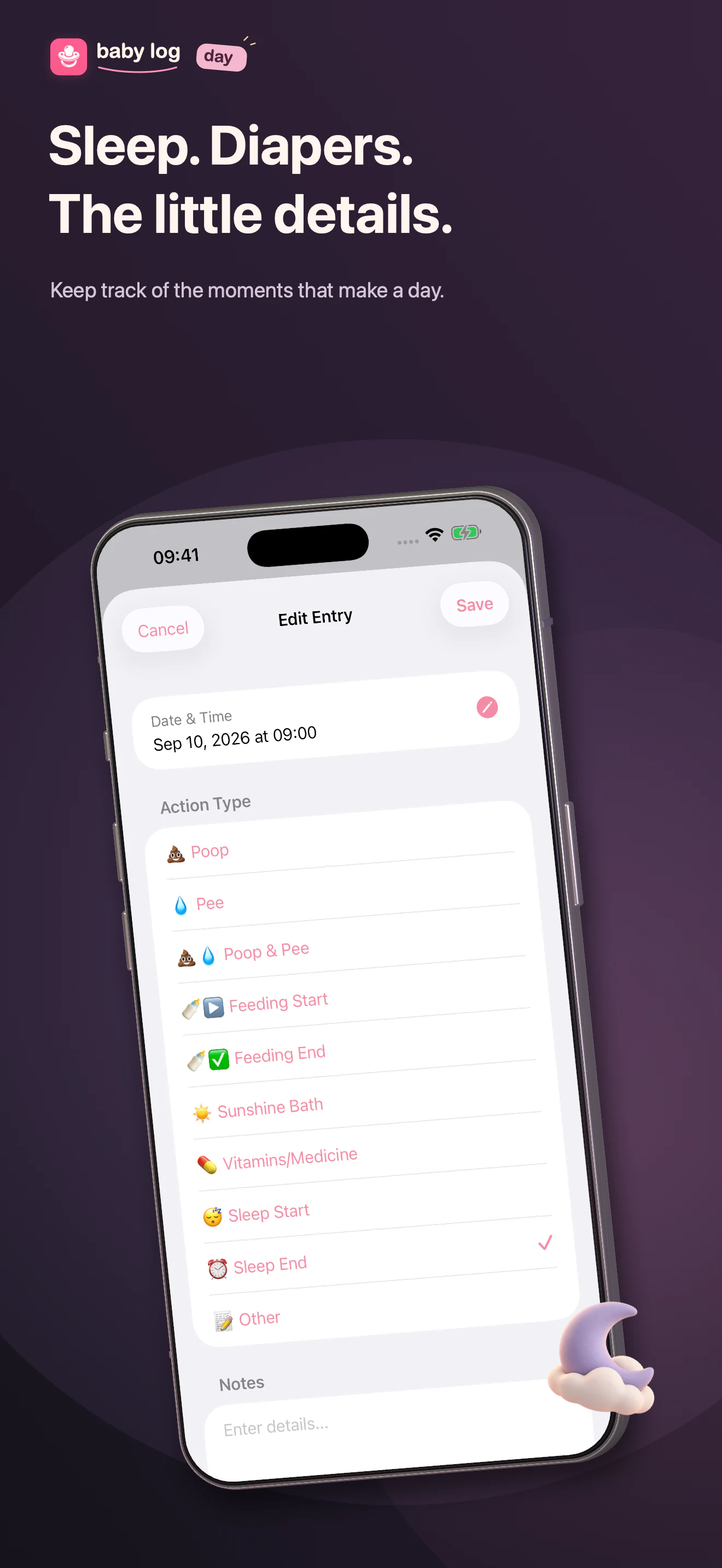
Tap the + button on the Log tab (first tab) to add a new entry. Select the action type and adjust the date/time if needed.
How do I edit or delete an entry?
Tap on any entry to open the edit screen. Swipe left to delete an entry. Swipe right to quickly access the edit option.
How do I track feeding amounts?
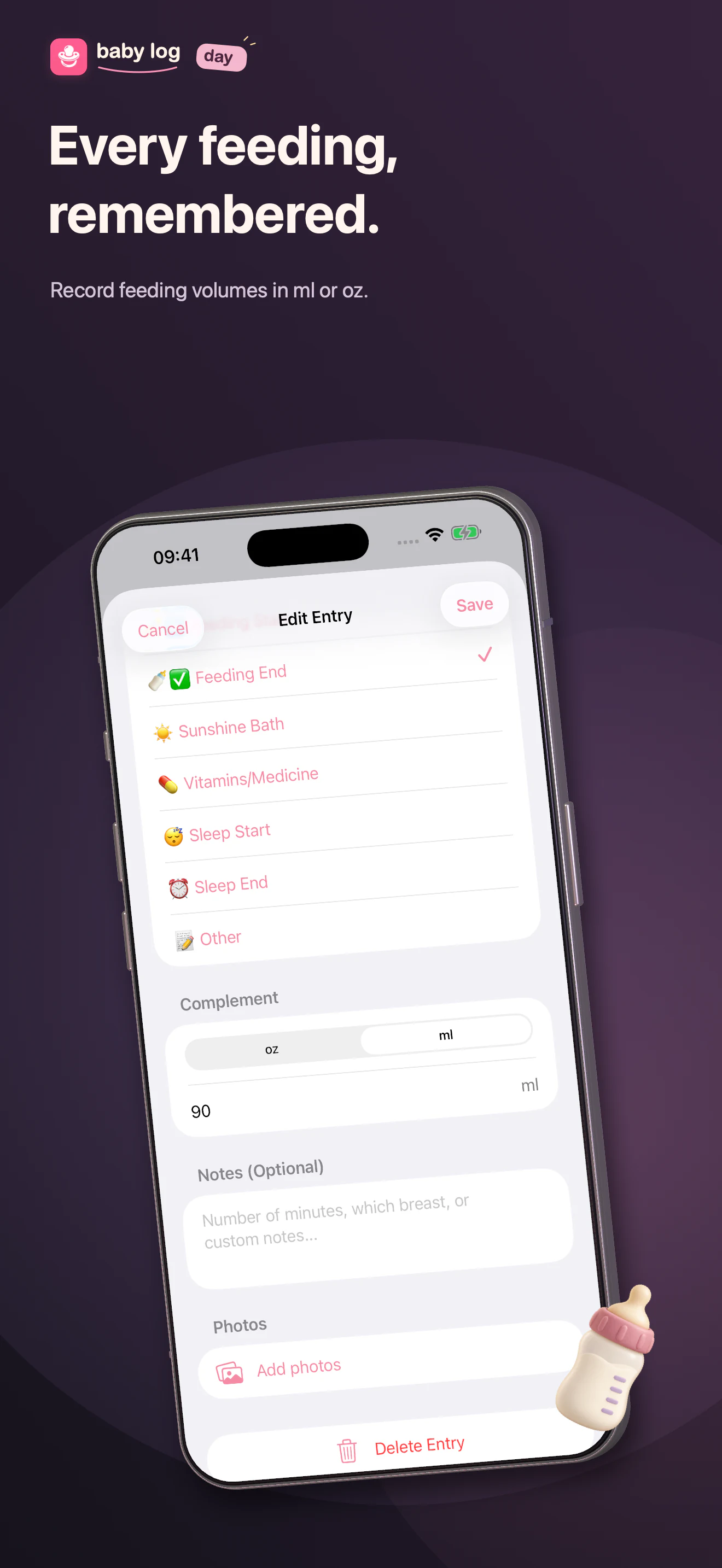
When selecting Feeding End, you can enter the amount of complement (formula) in ounces or milliliters. Use feeding start and end entries to record the session. Notes are available for activity types that support them.
How do I backup my data?
Open the More tab (last tab), then tap Export Data to save a backup file. You can share it via email, cloud storage, or other apps.
How do I restore my data?
Open the More tab, then tap Import Data and select your backup file. This will replace all current data.
Does the app sync with my Apple Watch?
Yes. Baby Log Day supports sync between a paired iPhone and Apple Watch. Delivery depends on device connectivity. If an entry has not appeared, open both apps and request a manual sync.
How do I manually sync with my Apple Watch?
Open Settings in the Watch app and tap Sync with iPhone. Keep the paired iPhone nearby with Bluetooth enabled. Open Baby Log Day on both devices and check that the entry appears on the iPhone.
What you can log
Baby Log helps you track:
- 💩 Diaper changes (pee, poop, or both)
- 🍼 Feeding start/end and amounts in ml or oz
- ☀️ Sunshine baths
- 💊 Vitamins and medicine
- 😴 Sleep start and end
- 📝 Other custom events
Entries are stored on your device and can sync with your paired Apple Watch. Use Export Data to save a portable backup.
Privacy
Entries are stored on your device, with support for paired Apple Watch sync and exported backups. Version 1.3.1 also includes optional cloud-sync controls. The native apps use PostHog for usage analytics and in-app feedback. Read the privacy policy for details.
Contact
Need help with logging, a backup, or your Watch? Email us with your app version, device model, and the steps that led to the issue. Please leave out baby names, photos, health details, and backup files unless specifically needed for your request.